Excel Add-ins
An Excel add-in is a compute process that powers custom functions inside Microsoft Excel. It runs as a server on Datatailr and exposes Python functions that Excel users can call directly from their spreadsheets — just like built-in Excel functions.
Excel add-ins bridge the gap between Python's data processing capabilities and Excel's familiar interface. They are ideal for delivering live data feeds, custom calculations, and model outputs to business users who work primarily in Excel.
How It Works
You define an Addin object and use the @addin.expose() decorator to mark which Python functions should be available in Excel. Each exposed function becomes a callable Excel function that sends its arguments to the Datatailr server, executes your Python code, and returns the result to the spreadsheet.
# my_addin.py
from datatailr.excel import Addin

addin = Addin(name="Finance Tools")

@addin.expose(description="Get the current stock price", help="Returns the latest price for a given ticker symbol")
def stock_price(ticker: str) -> float:
    # Your data fetching logic here
    prices = {"AAPL": 185.50, "GOOGL": 142.30, "MSFT": 415.20}
    return prices.get(ticker, 0.0)

@addin.expose(description="Calculate compound interest", help="Returns the future value given principal, rate, and years")
def compound_interest(principal: float, rate: float, years: int) -> float:
    return principal * (1 + rate) ** years
Once deployed, Excel users can use these functions in their spreadsheets:
=stock_price("AAPL")           → 185.50
=compound_interest(1000, 0.05, 10) → 1628.89
Key Features
- Native Excel integration — Exposed functions appear as regular Excel functions with autocomplete and help text.
- Live data — Functions can fetch real-time data from databases, APIs, or other sources.
- Streaming support — Functions can stream results back to Excel for live-updating cells.
- Progress bars — Long-running calculations can report progress back to the spreadsheet.
- Access control — Control which users can access the add-in through permissions.
Deploying an Excel Add-in
Deploy the add-in using the ExcelAddin job type:
# deploy.py
from my_addin import addin
from datatailr import ExcelAddin

excel = ExcelAddin(
    name="Finance Tools",
    entrypoint=addin,
    python_requirements="requests",
)

excel.run()
You can also deploy the demo add-in from a workstation:
python -m examples excel
Once deployed, manage your add-in:
dt job ls                   # List all compute processes
dt job get finance-tools    # View add-in details
dt log read finance-tools   # Read add-in logs
Managing in the Dashboard
Navigate to Compute Processes and select the Excel Addins tab to see all your deployed add-ins. The view shows the add-in name, current state, owner, architecture, and resource allocation. Add-ins that are ready have an Open button to access the add-in configuration page.
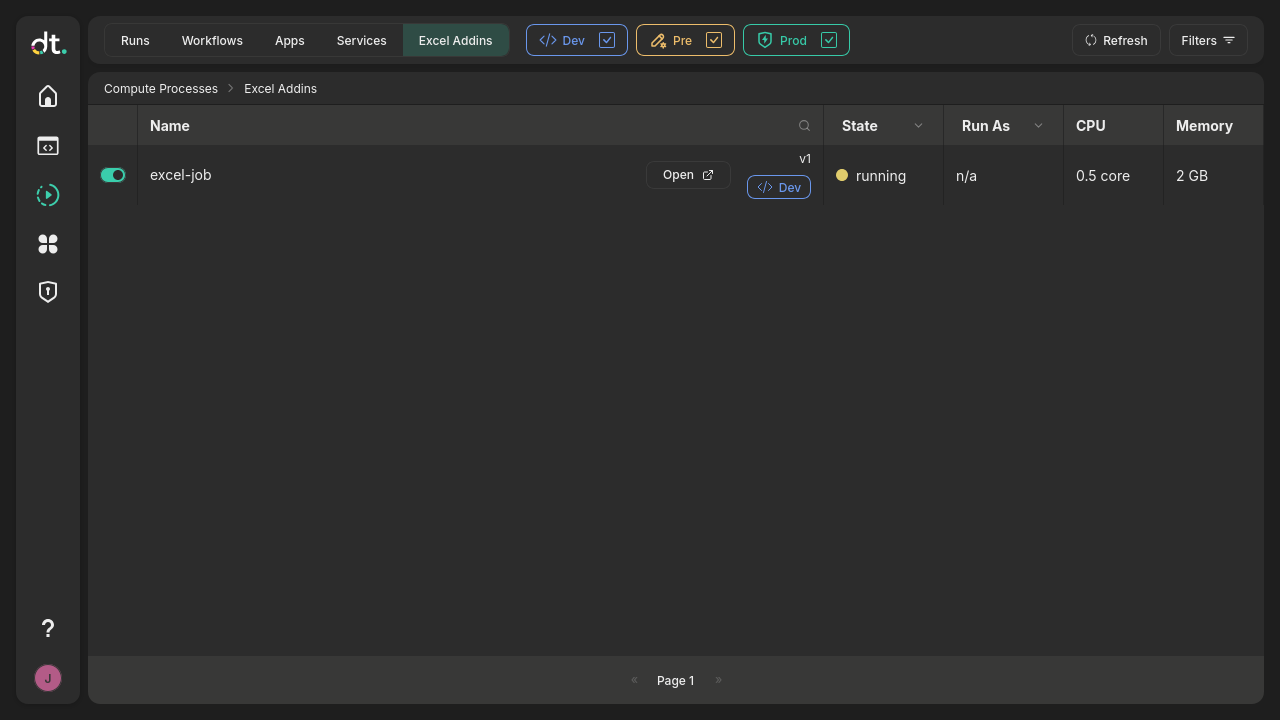
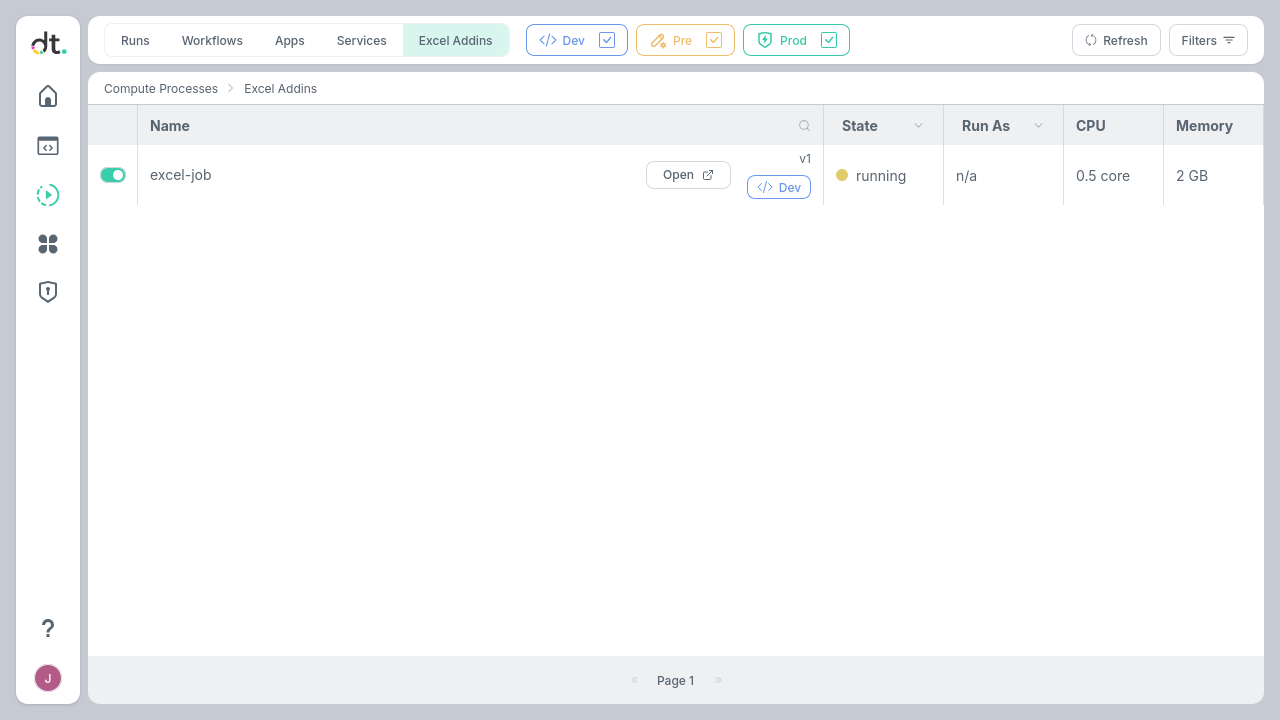
Use the toggle on the left to start or stop an add-in. Click on any add-in to view its logs, exposed functions, and deployment history.
Accessing Excel Addins from the Launcher
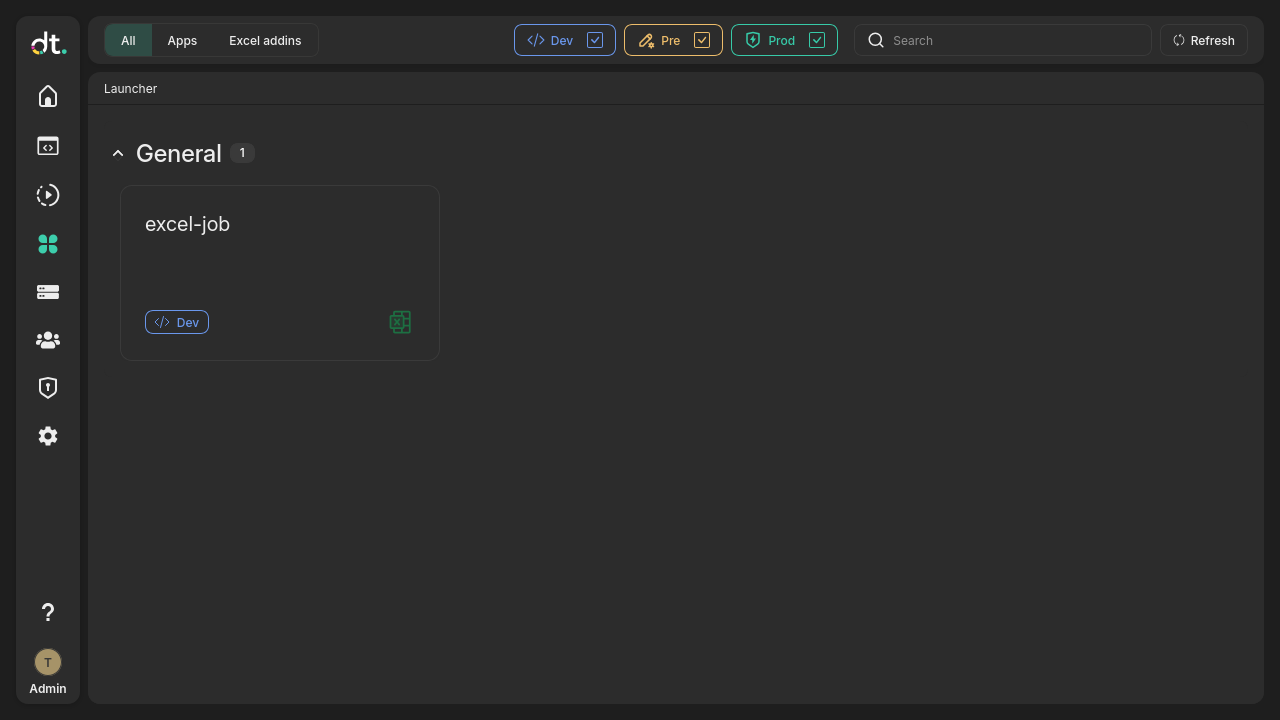
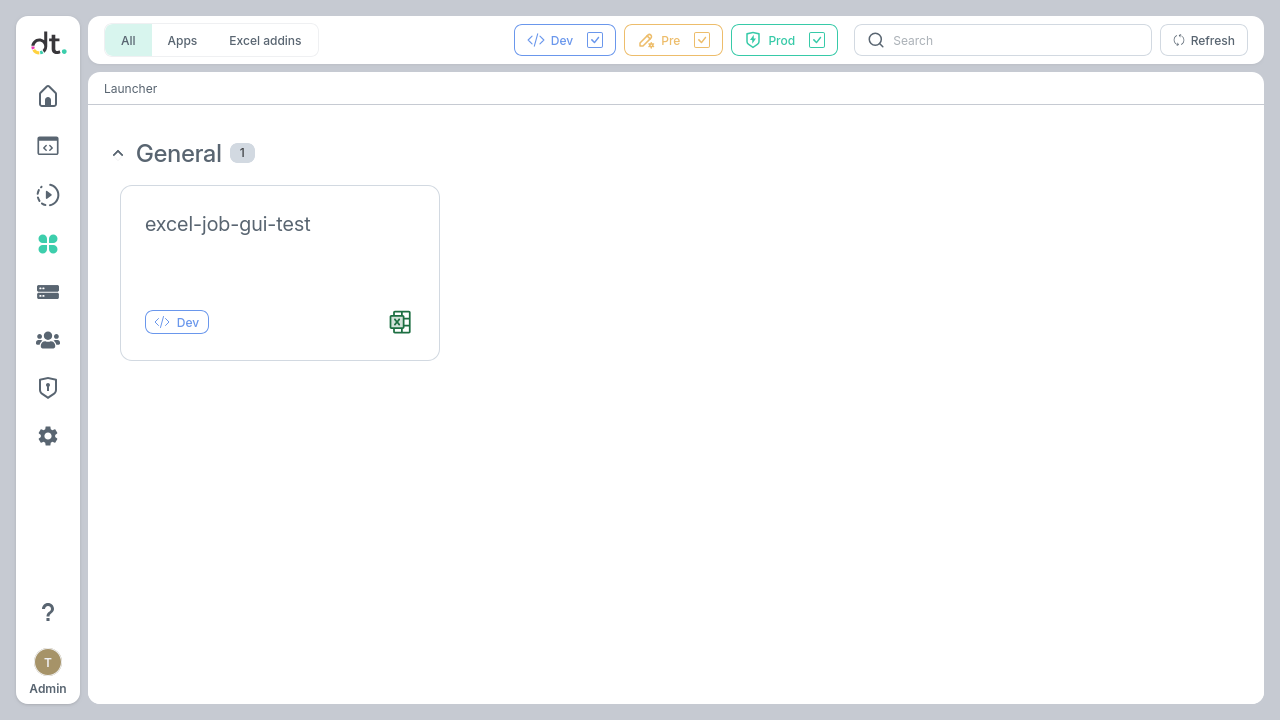
The Launcher page provides a quick way for users to find and open deployed Excel add-ins (and Apps). Click the Launcher icon 
 in the left sidebar to see all apps available to you, organized by group.
Downloading Excel Add-in configuration
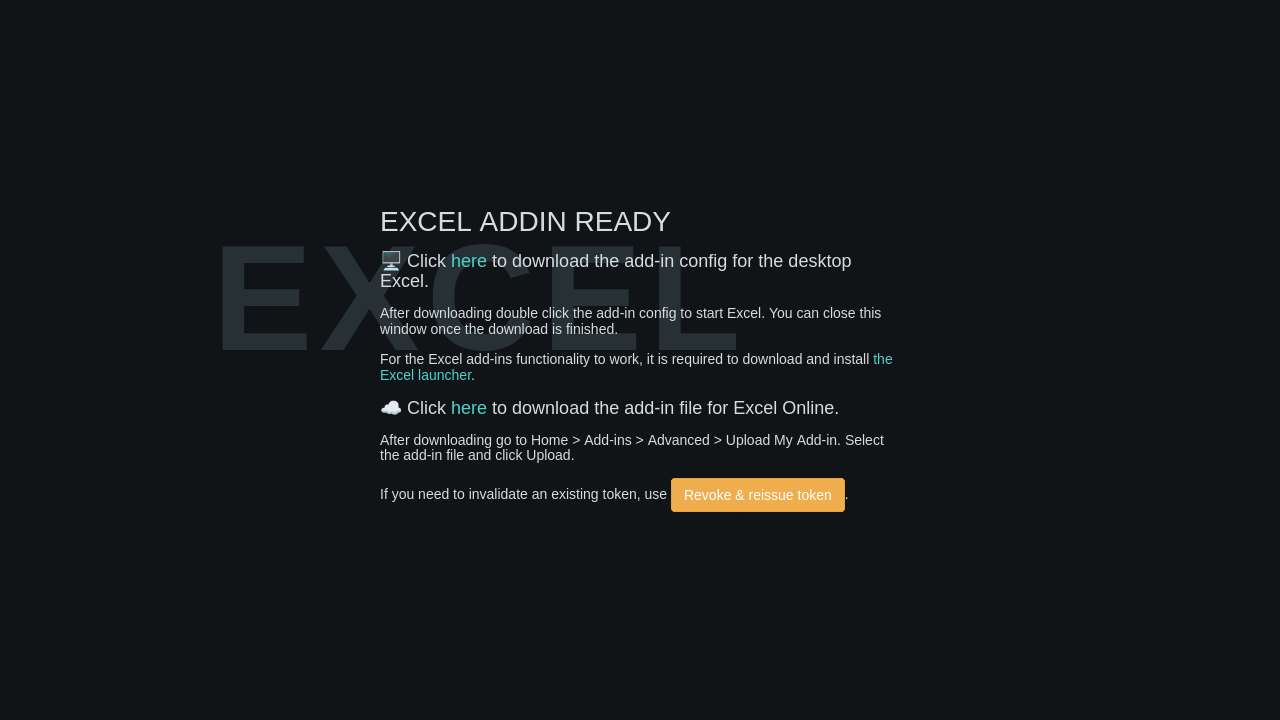
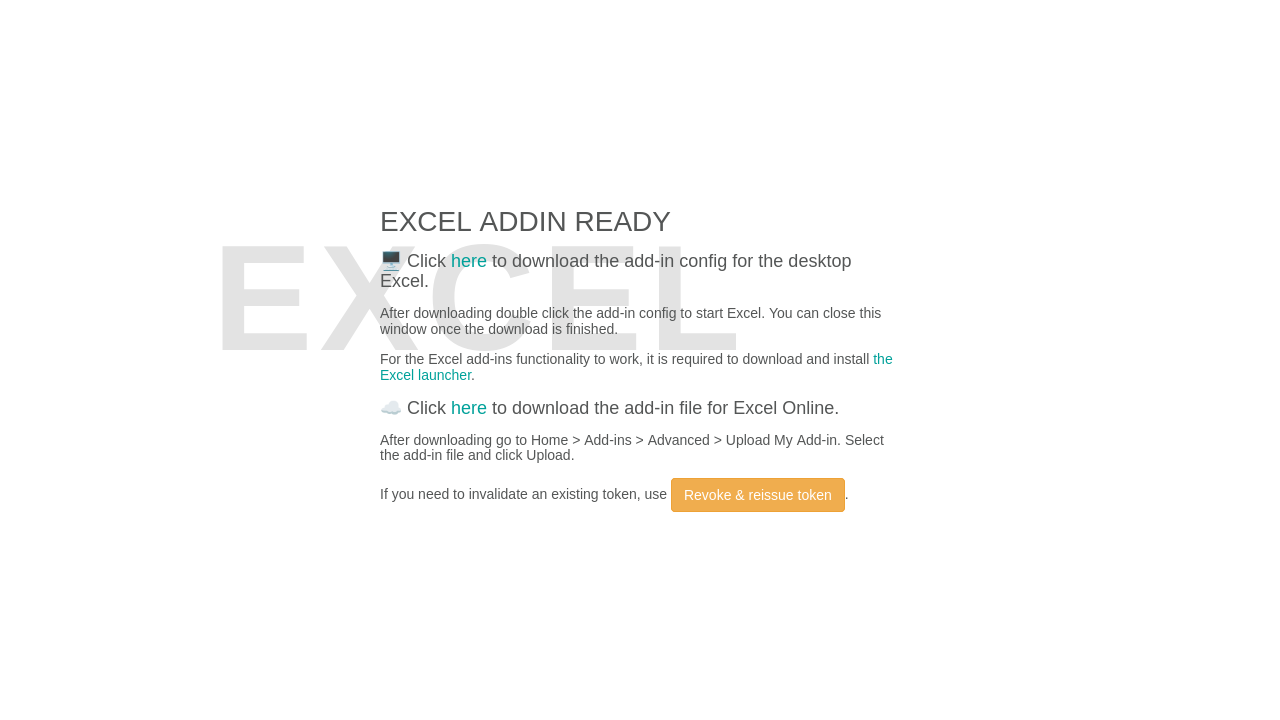
Note: If you don't have the excel add-in launcher installed, make sure to download and install it first
Important: tokens
Token is an internal value that needs to be presented by your computer in order to access the Addin. If clicking a download link produces an error about the token, just click "Revoke & reissue token", then try to download it again. If you suspect that someone else has your addin config file or you wish to prevent access to the Addin from a computer that you previously used, click "Revoke & reissue token"
Desktop Excel
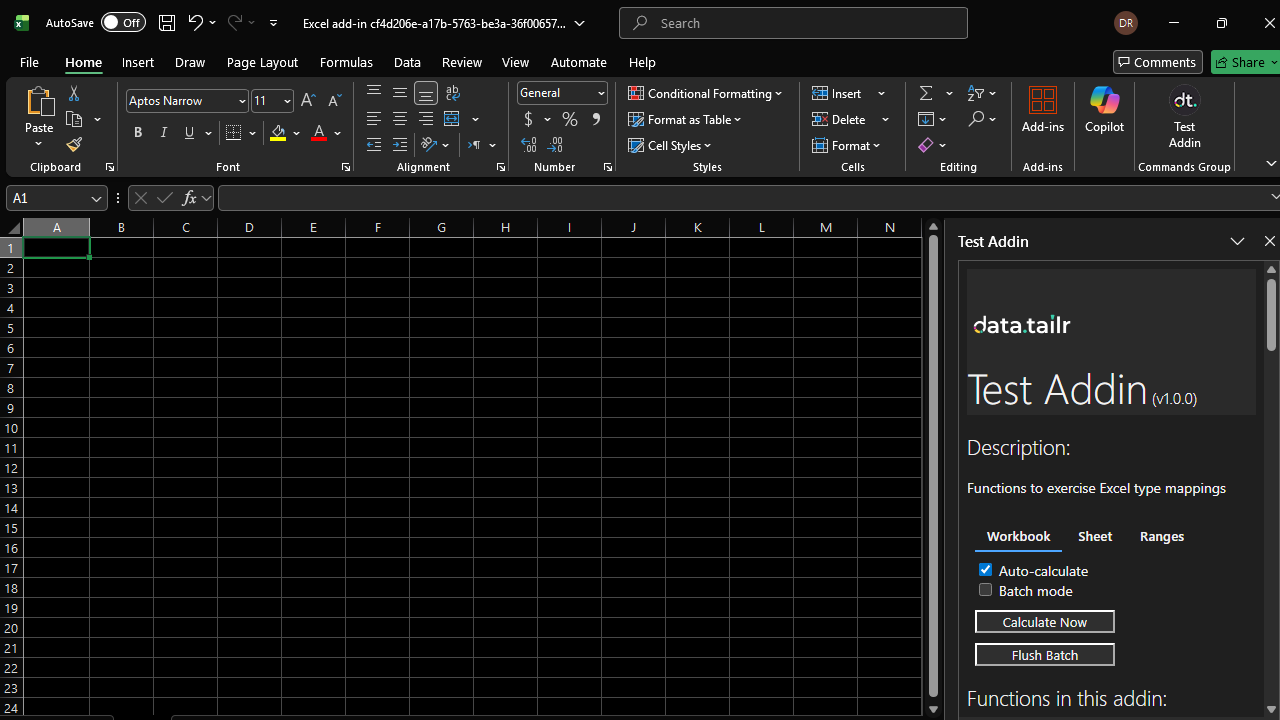
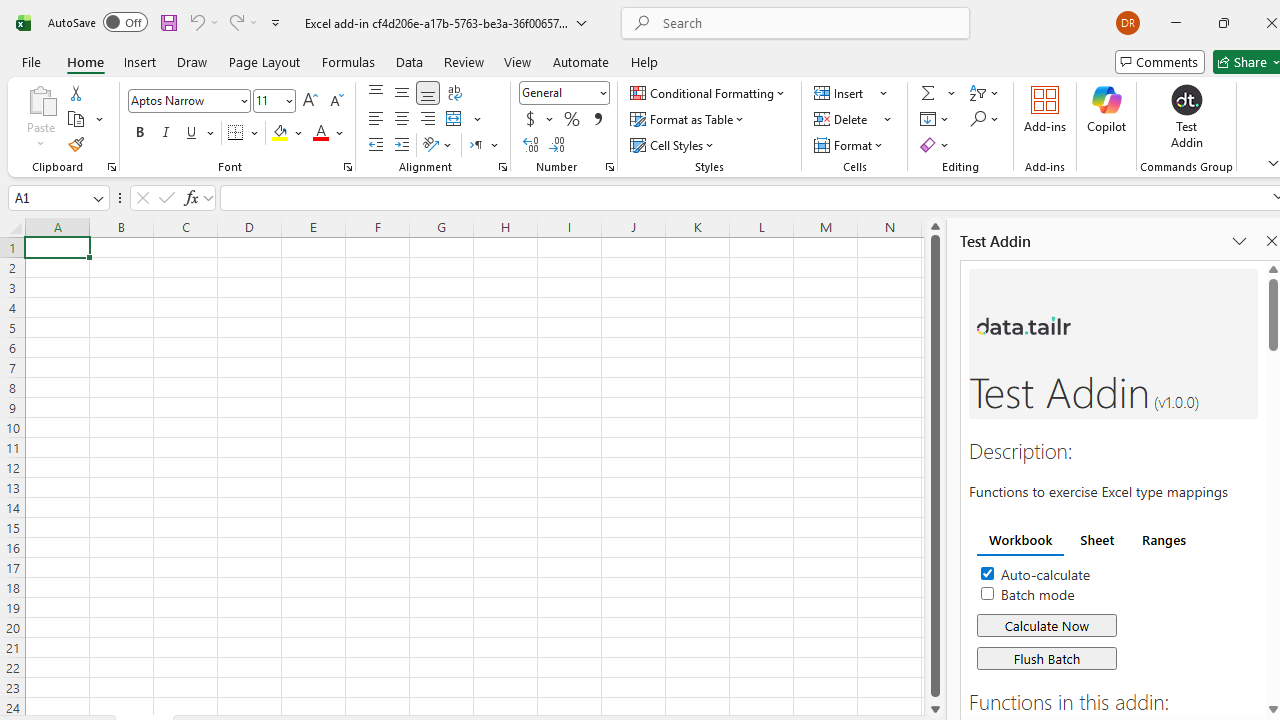
Downloading the desktop Excel configuration produces a .dea file. Open the file and Excel will be opened with a temporary workbook and the addin will be installed into your Excel. You should see the taskpane on the right. The file will be deleted after loading the Addin for the first time.
On opening another workbook, you should still see the Addin with the dt icon in your Home ribbon. Clicking it will open the taskpane again.
When starting Excel without clicking the Addin config and opening a workbook that uses your Addin, it is possible that you will not see your Addin in the Home ribbon. Selecting any cell in the workbook that uses a function from the Addin and pressing Enter (to trigger a calculation) should bring it back.
Cloud Excel
Downloading the cloud Excel configuration produces a .xml file. You can use it in Cloud Excel by clicking Add-ins -> Advanced... -> Upload My Add-in, then upload the .xml file.
Note: in the desktop Excel version, opening a .dea file clears stale versions of dt Addins. In the Cloud Excel, there is currently no way to clear out stale Addins. They can be cleared out directly out of .xlsx files, if there is demand for the Cloud Excel Addins, such a utility will be created.
Calculation Flow Control
Note: this feature provides control over when custom functions are sent from Excel to the server that hosts the Excel Addin. This might be useful for large workbooks where calculation of a large amount of cells might slow down the server and worsen responsiveness of the Addin.
For non-streaming functions, the Addin's taskpane has 2 checkboxes and 2 buttons for controlling calculations.
- Auto-calculate checkbox: If checked: cells calculate automatically on updates, like any other Excel function. If unchecked: cells immediately display "waiting..." when their calculation is triggered. No request to the server is sent, you can use this to prevent any heavy calculations from running until you are ready.
- Batch mode checkbox: If unchecked: no effect. If checked and Auto-calculate is checked: no effect. If checked and Auto-calculate is unchecked: cells immediately display "staged..." when their calculation is triggered. Their inputs are staged and can be calculated later in one pass when Flush Batch is clicked.
- Calculate Now button: Triggers calculation of all cells that have custom functions in them.
- Flush Batch button: Sends all the staged functions in one batch to the server, when calculated - the results will appear in the cells.
The checkboxes can be applied at the following levels:
- Workbook (default)
- Sheet
- Range
Range will override Sheet and Workbook, Sheet will override Workbook
Typical patterns:
- Uncheck Auto-Calculate ->
Calculate Now-> Check Auto-Calculate ->Calculate Now - Uncheck Auto-Calculate + Check Batch Mode ->
Calculate Now->Flush Batch